
TV Remote & Voice Typing Pro
LiveTools
TV remote for Samsung, LG, Sony, TCL, Hisense, Xiaomi, Android TV and Google TV
- Phone
Screenshots
1 / 8
About TV Remote & Voice Typing Pro
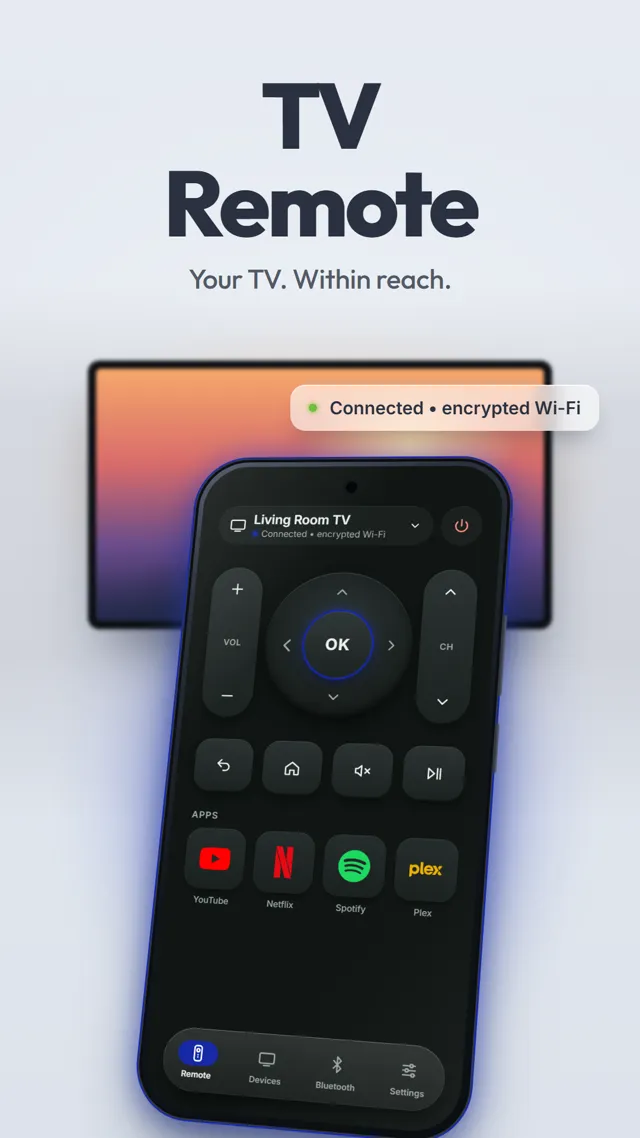
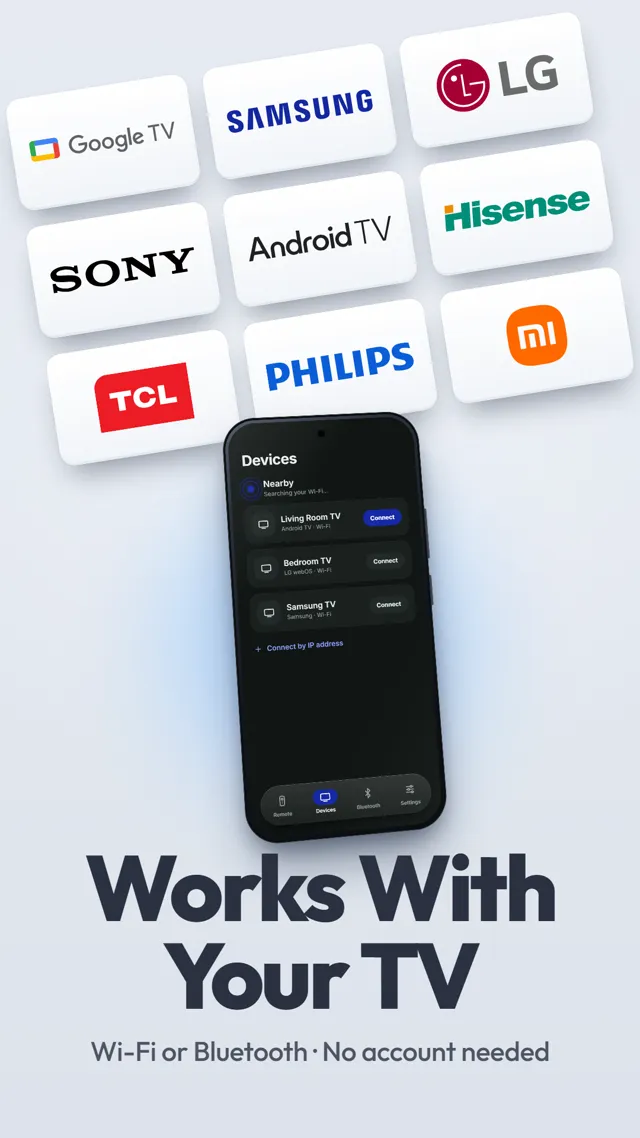
Turn your Android phone into a fast, private remote for your smart TV. TV Remote & Voice Typing Pro connects over home Wi-Fi to Android TV, Google TV, Samsung and LG smart TVs, and works as a Bluetooth keyboard and mouse for many other TVs and devices. No account, no ads, no tracking. Supported TVs and devices • Android TV and Google TV models from Sony Bravia, TCL, Hisense, Xiaomi Mi TV, Philips, Sharp, Toshiba, Haier and Skyworth • Streaming devices such as Nvidia Shield, Xiaomi Mi Box and Chromecast with Google TV • Samsung smart TVs (Tizen) and LG smart TVs (webOS) • Other TVs, projectors and boxes that accept a Bluetooth keyboard or mouse Quick setup • Finds TVs on your Wi-Fi automatically, or connect by IP address • Secure pairing with the code shown on your Android TV or Google TV, or a one-time approval on your Samsung or LG TV • Save several TVs and switch between them in one tap A complete remote • D-pad with a large OK button, Back, Home and Menu • Volume, channel, Mute and Power, plus Play, Pause, Rewind and Fast Forward • Number pad, Guide, Info, Inputs and Settings • Your phone's volume buttons change the TV volume • Turn on your TV over Wi-Fi when network standby is enabled Touchpad, motion and typing • Touchpad, and a mouse pointer with two-finger scrolling over Bluetooth • Motion remote: point your phone to move the cursor using its gyroscope • Type with your phone keyboard, with live typing on Android TV, or say your search with voice typing Your apps and your remote • Shortcuts for YouTube, Netflix, Prime Video, Disney+, Spotify, Plex and more, or your own apps and links • A grid editor with 13 ready-made layouts, up to 12 custom layouts, and left- or right-hand layouts • Seven accent colors or any color, light and dark themes, a Quick Settings tile and 15 languages Good to know • Wi-Fi control needs your phone and TV on the same network • Some newer LG models that only accept secure connections are not supported yet • Roku and Amazon Fire TV cannot be controlled over Wi-Fi; they may work in Bluetooth keyboard mode • Available features depend on your TV model and the app on screen TV Remote & Voice Typing Pro is an independent app, not affiliated with or endorsed by any TV manufacturer. All brand names and trademarks belong to their respective owners.
Features
Works with your TV
Android TV, Google TV, Samsung and LG over Wi-Fi, and others over Bluetooth.
A complete remote
D-pad, volume, channels, playback, number pad, inputs and power.
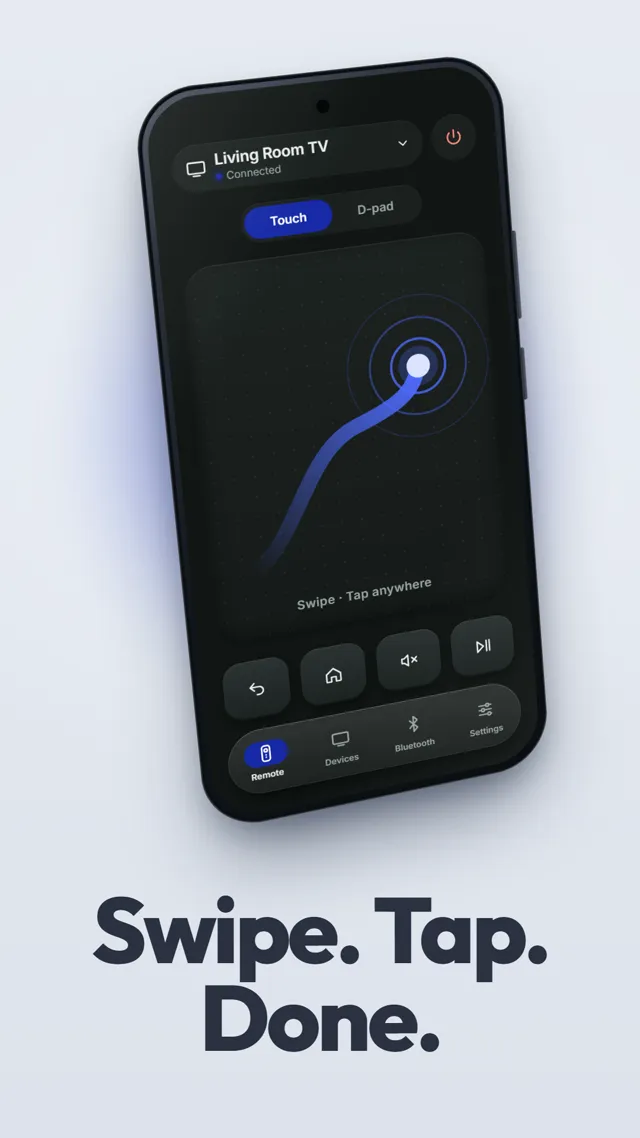
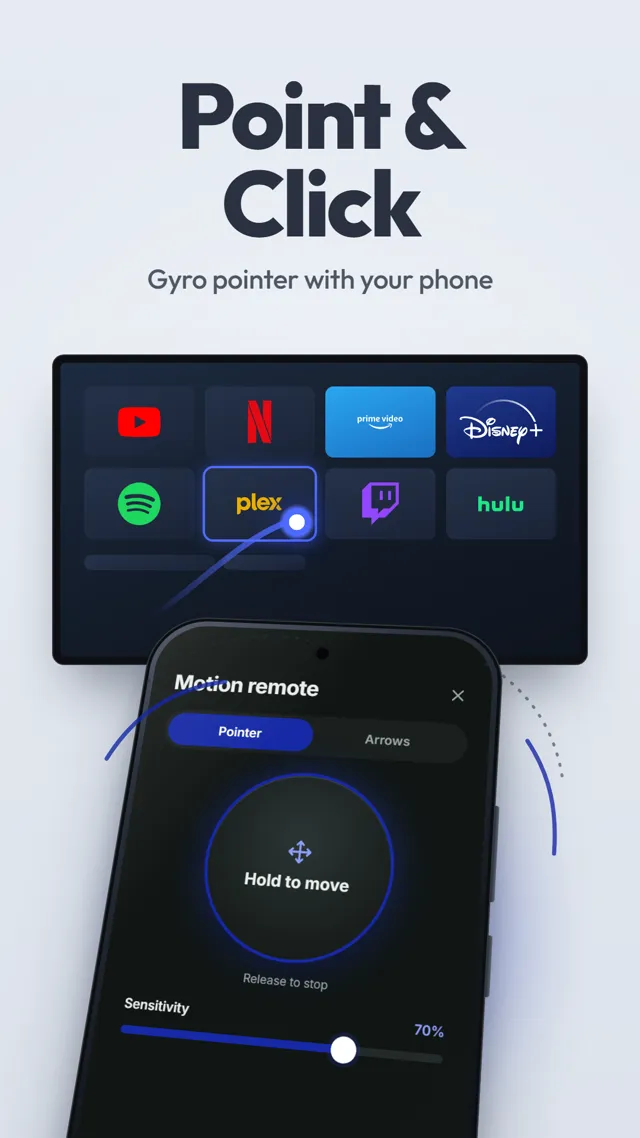
Touchpad and motion
Swipe and tap, or point your phone to move the cursor.
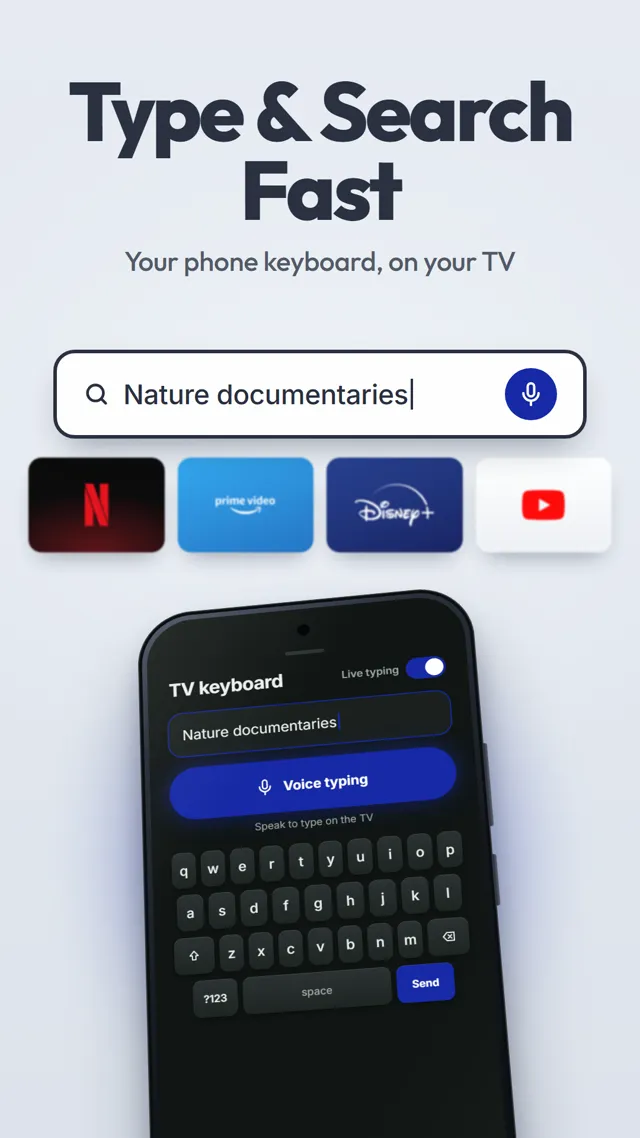
Keyboard and voice typing
Type or say your search instead of using the TV's on-screen keyboard.
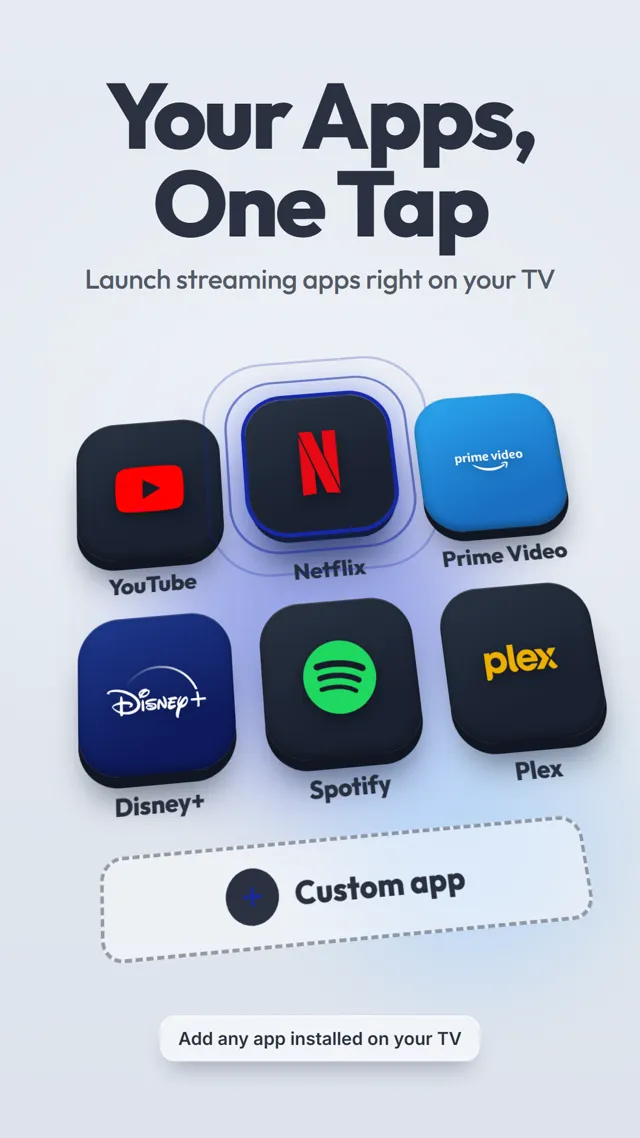
Your apps in one tap
Shortcuts for YouTube, Netflix, Prime Video, Disney+ and your own apps.
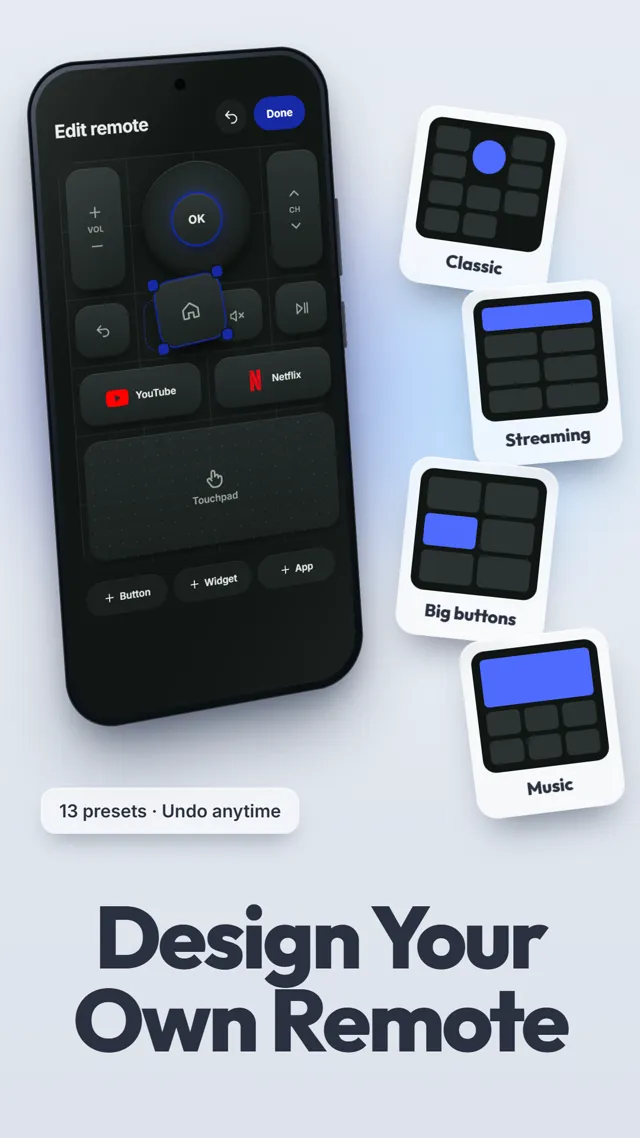
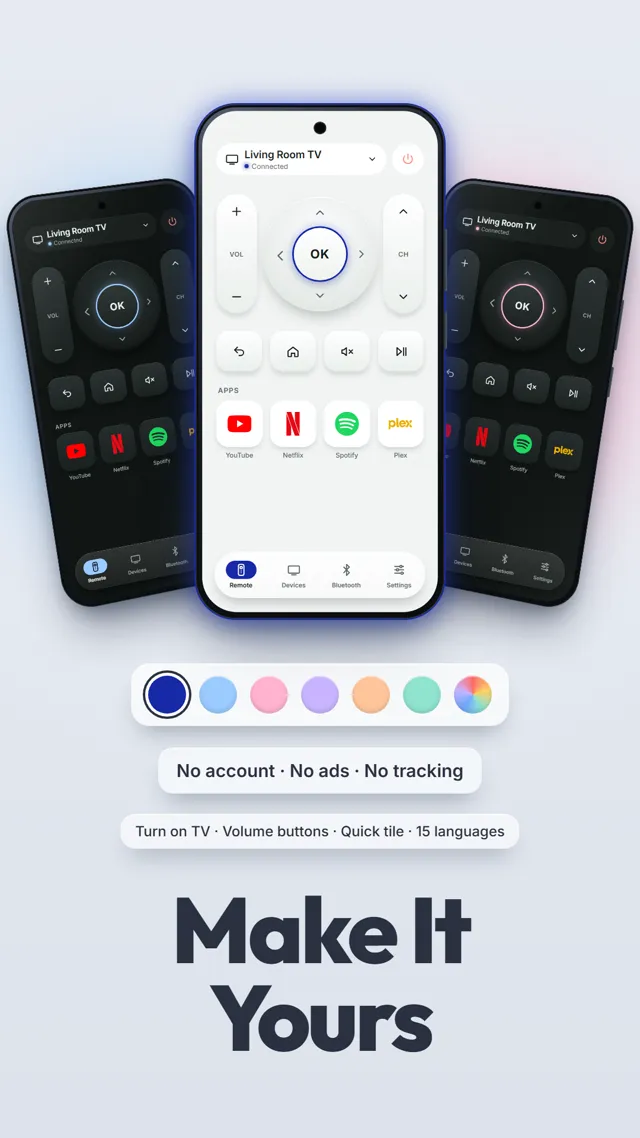
Design your own remote
13 ready-made layouts, a grid editor and up to 12 custom layouts.
Private by design
No account, no ads and no analytics. Pairing keys stay encrypted on your phone.
Details
- Version
- 1.0.1
- Last updated
- November 14, 2026
- Requires Android
- 9.0 or later
- Platforms
- Phone
- Price
- US$0.99 (one-time purchase; local prices on Google Play)
- Contains ads
- No
- In-app purchases
- No
- Category
- Tools
- Package
- com.trg.remote
Privacy at a glance
- Data collected
No data collected.
- Data shared with third parties
No data shared with third parties.
- Encrypted in transit
Not applicable: no data is collected
- Deleting your data
Nothing is held by us: all app data stays on your device. How to delete it
Summary of the data collected through the app. Read the full TV Remote & Voice Typing Pro privacy policy.