
DWG Viewer
LiveProductivity
Open DWG, DXF, 3D, PDF & Office files offline. Measure, mark up, sign & export
- Phone
- Tablet

Screenshots
1 / 7
About DWG Viewer
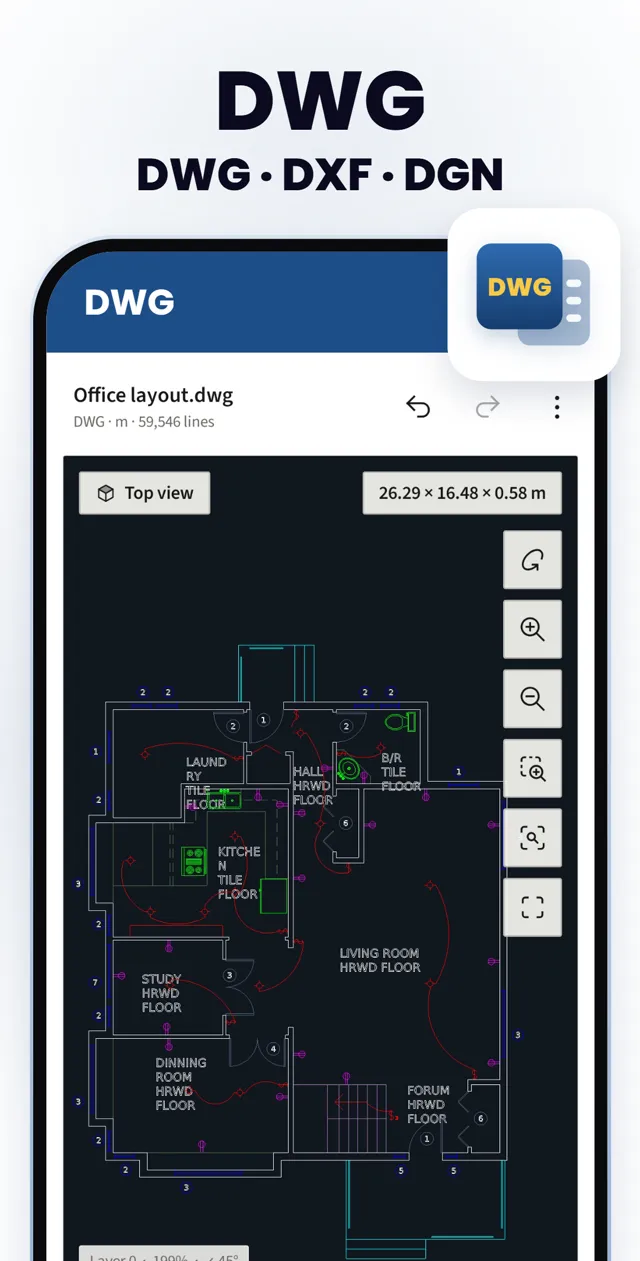
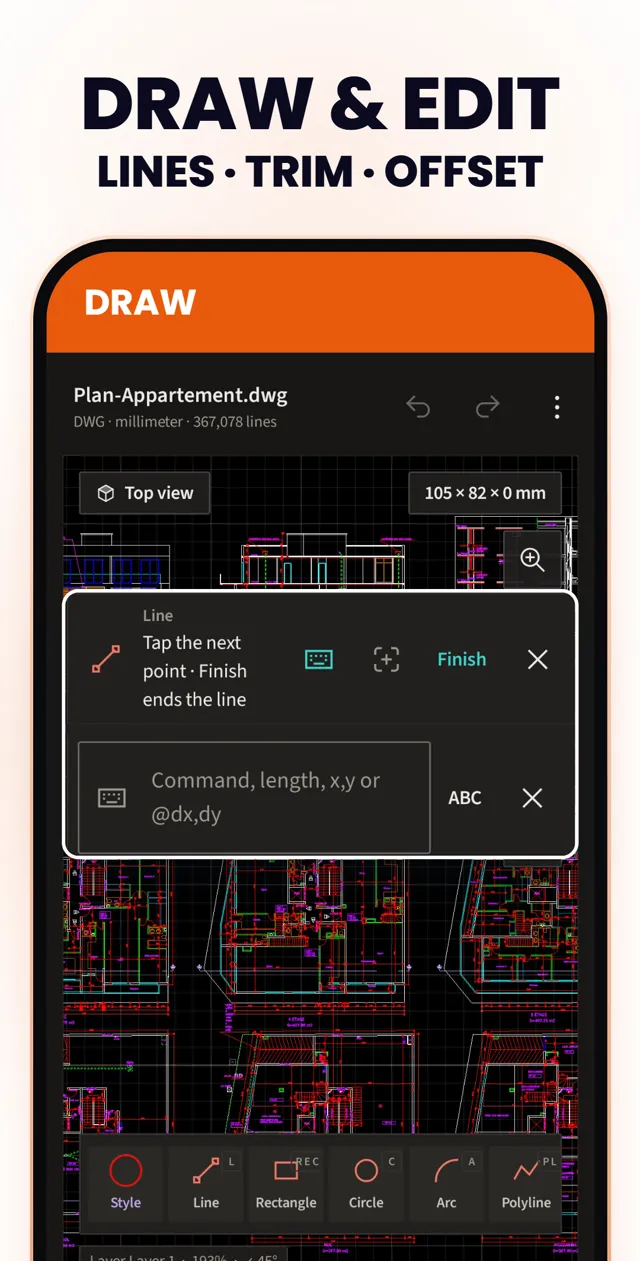
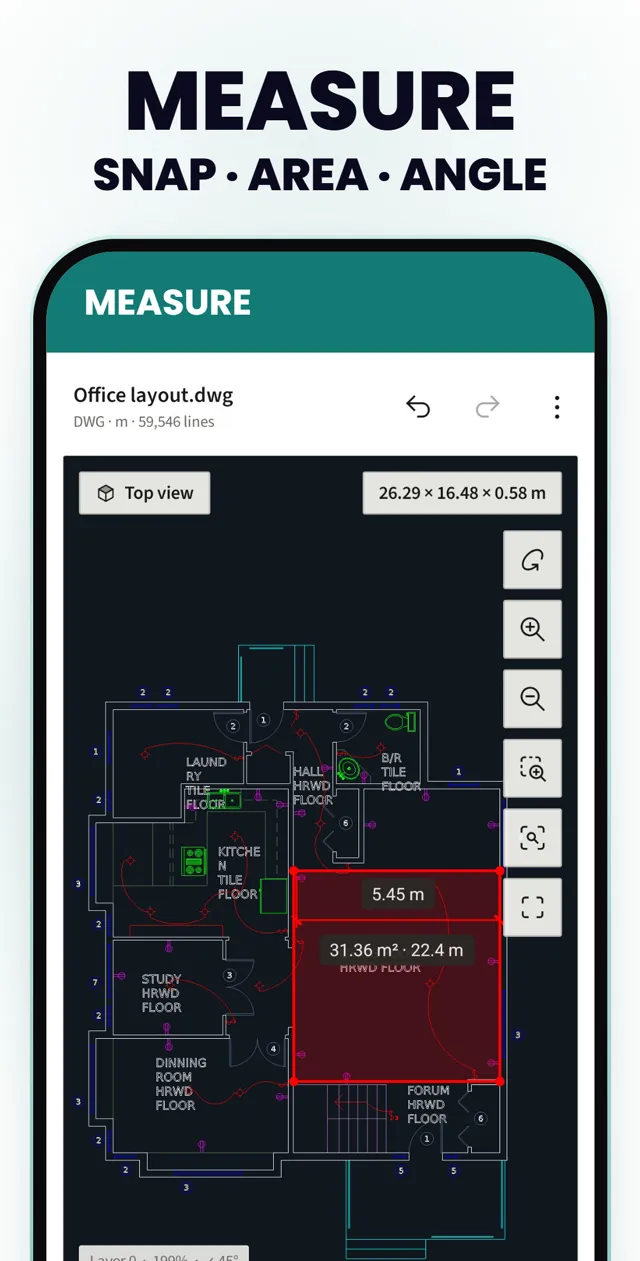
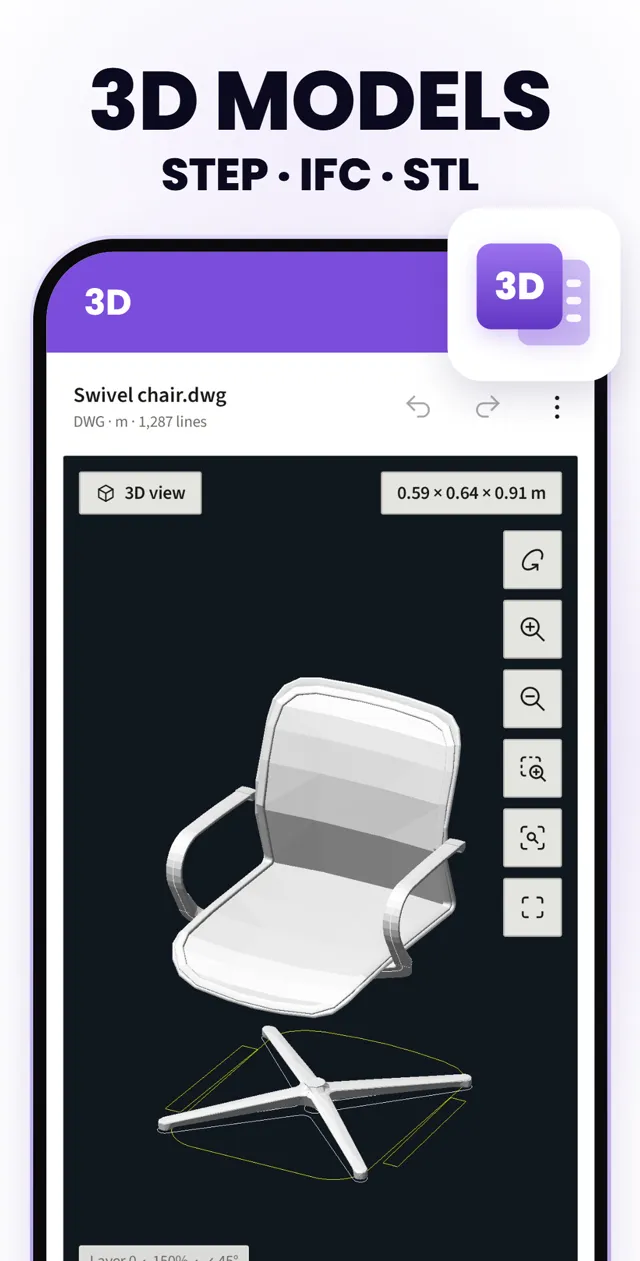
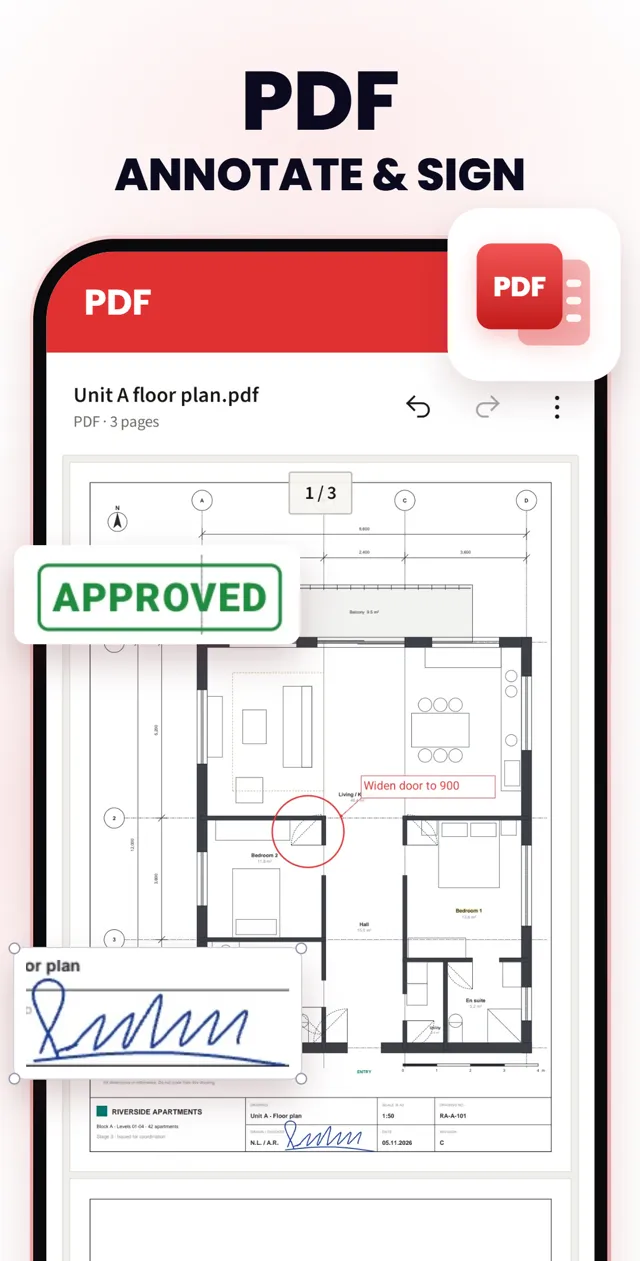
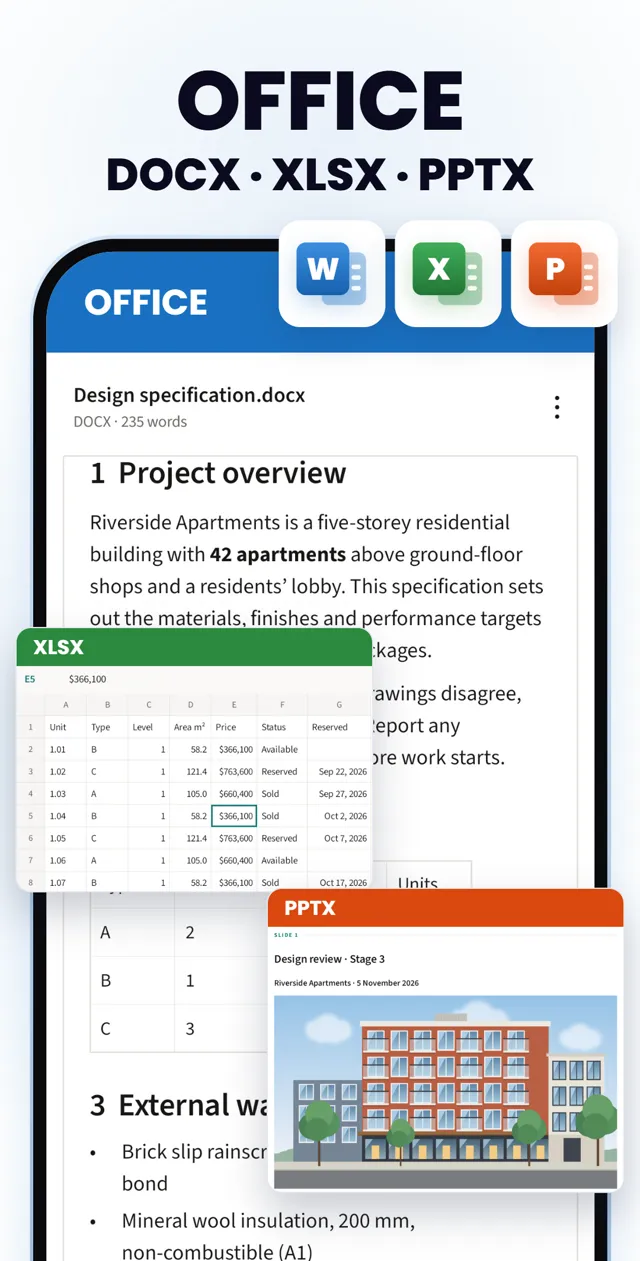
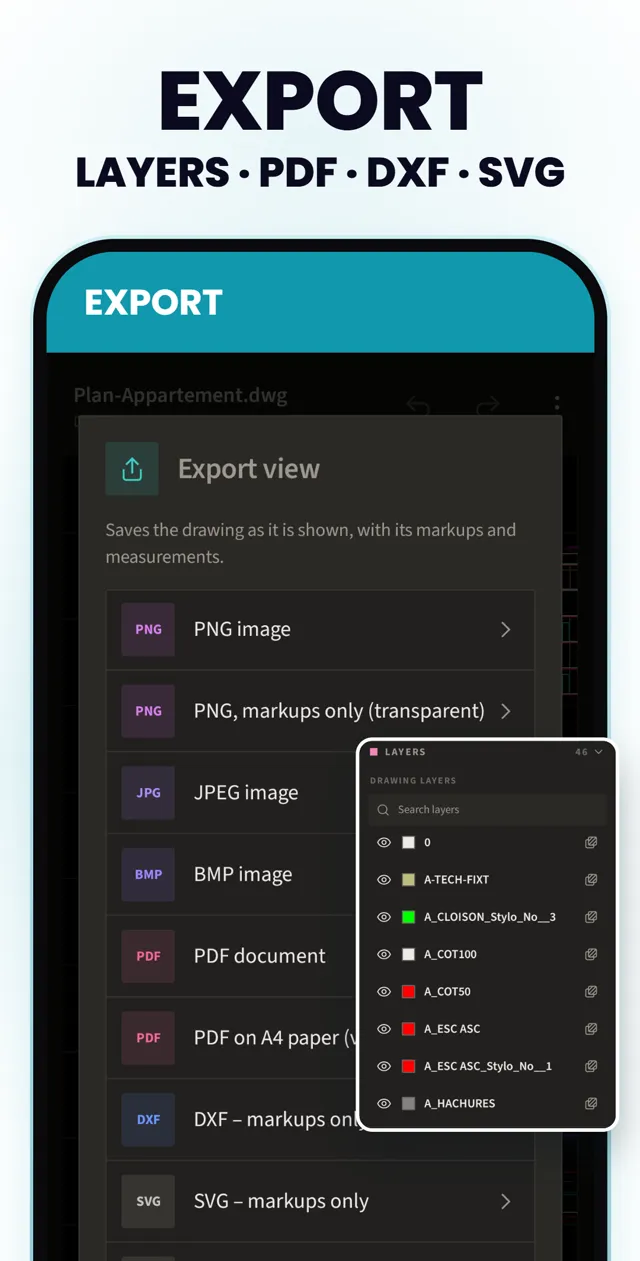
DWG CAD Fast Viewer & Editor opens CAD drawings, 3D models, PDFs and Office documents on your Android phone or tablet. View, measure, mark up, sign and export your work, even offline. Built for architects, engineers, designers, contractors and students. Every file is processed on your device: no account, no uploads. Supported files • 2D drawings: DWG (also DWT and DWS), DXF (ASCII and binary), DGN (MicroStation V7) • 3D models: STEP/STP, IGES/IGS, IFC (BIM), STL, OBJ, 3MF, SCAD (OpenSCAD) • Documents: PDF, Word (DOCX), Excel (XLSX), PowerPoint (PPTX), TXT • Images: JPG, PNG, BMP, GIF • Preview and file info: DWF/DWFx, Revit (RVT, RFA), SolidWorks (SLDPRT, SLDASM), Inventor (IPT, IAM), CATIA (CATPart, CATProduct), ACIS (SAT, SAB), Parasolid (X_T, X_B) Fast viewing • Native DWG engine with smooth pinch zoom, pan and 3D orbit • Zoom window, zoom extents, full screen and named saved views • Top, front, right and 3D views, shaded or wireframe • Original colors, line types, text, block attributes, dimensions, hatches and points • Layers: show, hide, isolate and search • Tap any object to inspect it, or tap inside a room to get its area Measure • Distance, path length, area, angle, coordinates and dimensions • Snap to endpoints, midpoints, centers, quadrants, intersections, tangents, nearest points and the grid, with polar and snap tracking • Magnifier loupe, crosshair and typed coordinates for precise points Draw and mark up • Lines, polylines, arcs, circles, rectangles, ellipses, polygons, splines, sketches, arrows, revision clouds, text, hatches and pictures • Modify: move, copy, rotate, scale, mirror, align, offset, array, fillet, chamfer, trim, extend, break and stretch • Undo and redo, a command bar with CAD shortcuts, keyboard and mouse support • Your original file is never changed PDF, Office and images • Annotate PDFs with pen, highlighter, shapes, text, callouts, notes, signatures and stamps, then export a copy • Read Word documents, Excel spreadsheets and PowerPoint slides, and zoom into photos and scanned plans Create and export • Start new drawings that save automatically as DXF • Export the view with your markups as PDF, PNG, JPG or BMP, or markups as DXF, SVG, JSON or transparent PNG • Import markups from DXF, SVG or JSON Made for every device • Phones, tablets and foldables, light and dark themes, home screen widgets and shortcuts • Open CAD files from email, chat and file manager apps • 15 languages Free and Pro Viewing is free, with no ads: open every supported format and use navigation, layers, inspection, snapping, distance and coordinates without limits. The free plan also includes 3 advanced measurements, 3 markups and 3 PDF annotations per file, 1 saved view per drawing, and exports with a small watermark. DWG Viewer Pro, an optional in-app purchase, unlocks unlimited measurements, markups and PDF annotations, the Modify tools, line copying, markup import, more markup layers and saved views, and clean, high-resolution and vector exports.
Features
35+ file formats
DWG, DXF, DGN, 3D and BIM models, PDF, Office documents and images.
Fast DWG engine
Smooth zoom, pan and 3D orbit, with layers, saved views and object inspection.
Measure with snapping
Distance, area, angle and coordinates, snapped to endpoints, centers and more.
Draw and edit
Markup shapes and text, plus move, rotate, trim, offset and more. Your file never changes.
PDF annotate and sign
Highlight, comment, stamp and sign PDFs, then export a copy.
Export and share
PDF, PNG, JPG, DXF, SVG and more, or start a new drawing saved as DXF.
Private and offline
No account, no uploads and no ads. Files never leave your device.
Details
- Version
- 1.0.13
- Last updated
- November 13, 2026
- Requires Android
- 8.0 or later
- Platforms
- Phone, Tablet
- Price
- Free
- Contains ads
- No
- In-app purchases
- Yes
- Category
- Productivity
- Package
- com.assraablabs.cadviewer
Privacy at a glance
- Data collected
No data collected.
- Data shared with third parties
No data shared with third parties.
- Encrypted in transit
Not applicable: no data is collected
- Deleting your data
Nothing is held by us: all app data stays on your device. How to delete it
Summary of the data collected through the app. Read the full DWG Viewer privacy policy.